Best moments
Find the best moments in a long video
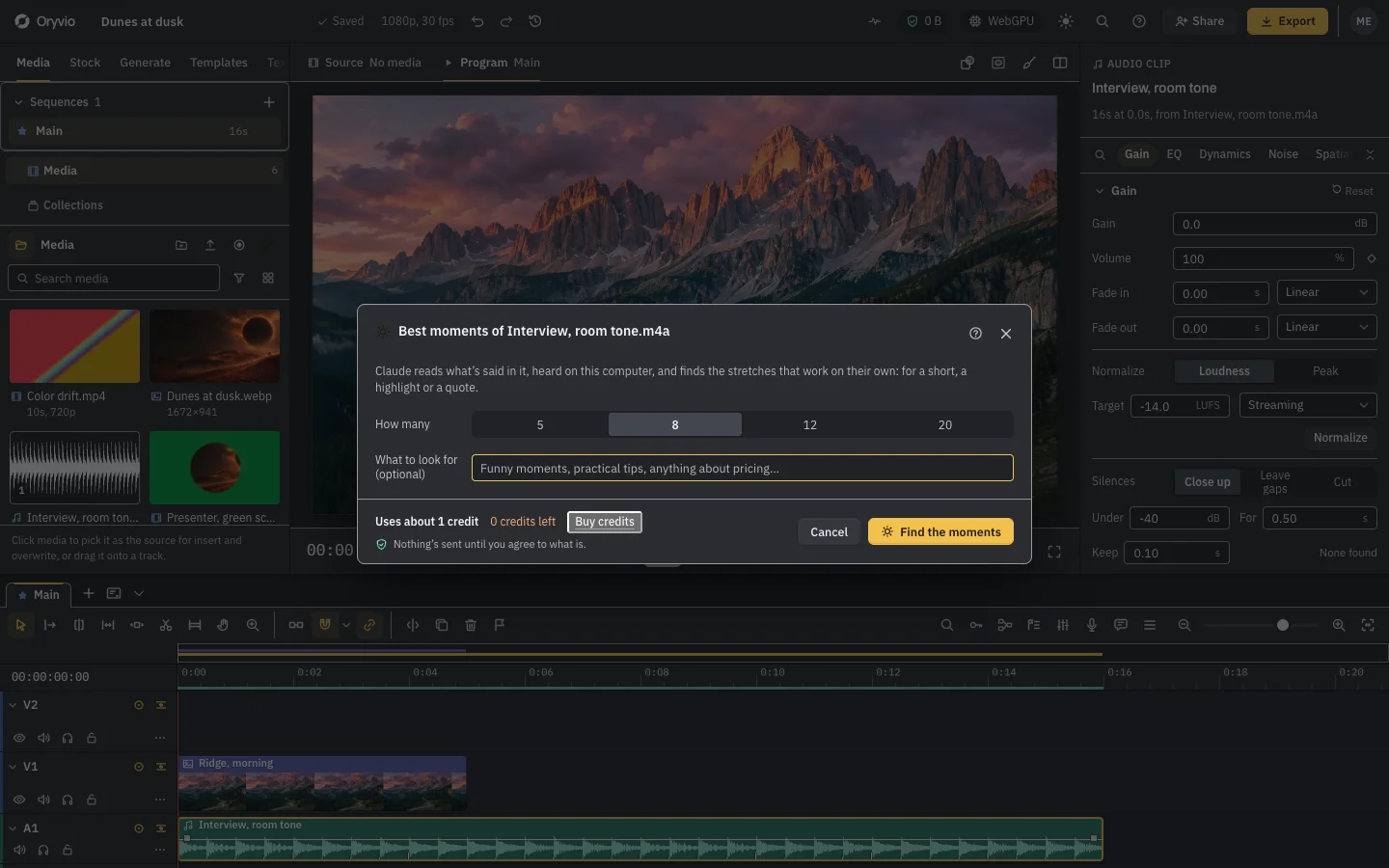
Point Best moments at a podcast, a talk or a stream. It reads what’s said and picks the moments that stand on their own, strongest first, each with a title, the line that hooks, why it works, and the shape it suits.
- Strongest first
- Shorts in a click
- Your footage isn’t sent
- Oryvio’s cloud AI, with credits
How it works
Step by step
Choose a recording
Right-click a video or sound clip and choose Find best moments…
Say what to look for
How many you want, from 5 to 20, and, if you like, what kind: funny moments, practical tips.
Find them
The recording is heard on your computer; Claude reads the transcript and picks the moments.
Use them
Play each one, add it as a marker, make it a sub-clip, or make a short of it: a 9:16 sequence with captions.
In the cloud
What’s sent, and what isn’t
Speech is heard on your computer. Oryvio’s server sends Claude the transcript with its times, and the clip’s name and length: never the footage. You’re asked before the first time.
Plans
Which plan has it
Free
With credits from a pack: 500 credits for $10
Pro
With credits from a pack, its shorts following the subject
Studio
With its 1,000 credits a month
No. Best moments works on any plan with credits, from a pack or Studio’s month.
It says before it starts, with your balance beside it. A job never uses more than it said, and one that fails, or that you stop, uses none.
Yes. Make a short turns a moment into a 9:16 sequence with captions, and with Pro it follows the subject.
No. Only the transcript and the clip’s name and length are sent.
The next scene is yours.
Try it on your own footage.
Free to start. No credit card. No watermark.