Template library
Video templates for every frame
250+ templates for intros, social posts, promos, lower thirds, end cards and thumbnails. Each is made from the editor’s own titles, shapes and particles, laid out again for 16:9, 9:16, 1:1 or 4:5, and every part of it stays yours to change.
- templates
- 268
- free on every plan
- 26
- groups
- 12
- pairs of typefaces
- 5
26 templates
Intros
Open a video with your name on it: a channel, a course, a show. An intro sets the tone in the first seconds, before anyone decides to stay.
 Pro
Cinematic title
 Pro
Kinetic intro
 Pro
Ember title
 Pro
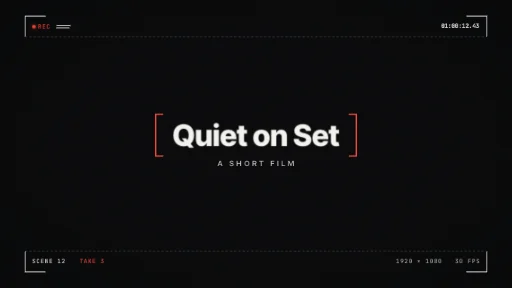
Film leader
 Pro
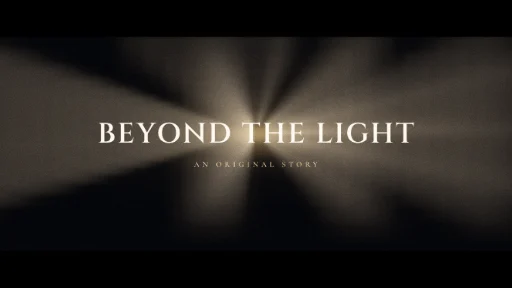
Slate open
 Pro
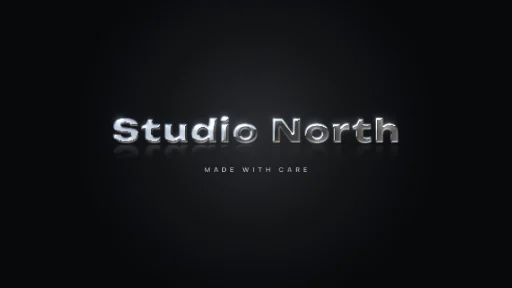
Backlit reveal
Light sweep logo
 Pro
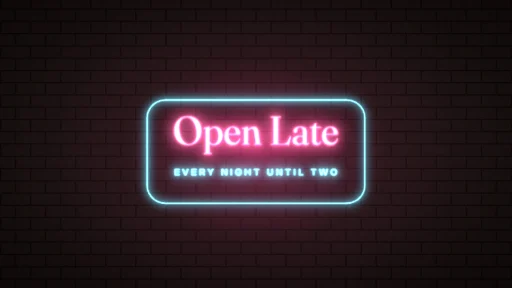
Neon sign
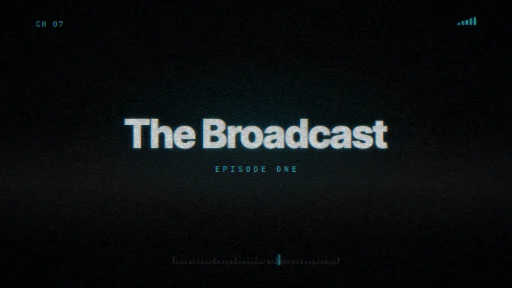 Pro
Signal glitch
 Pro
Liquid gradient
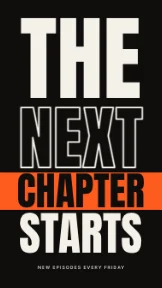 Pro
Kinetic stack
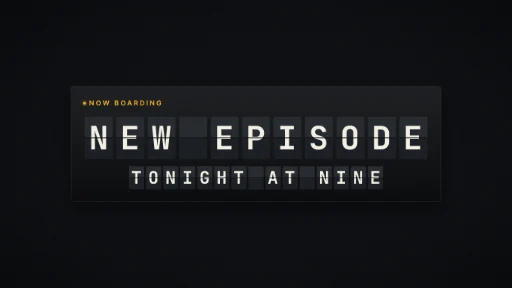 Pro
Split-flap board
 Pro
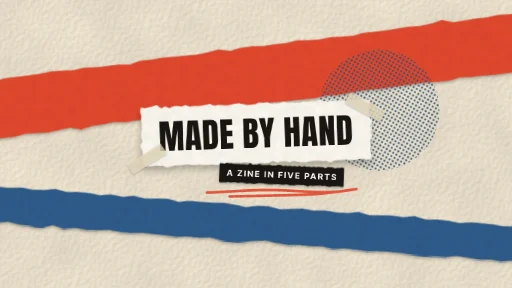
Paper collage
 Pro
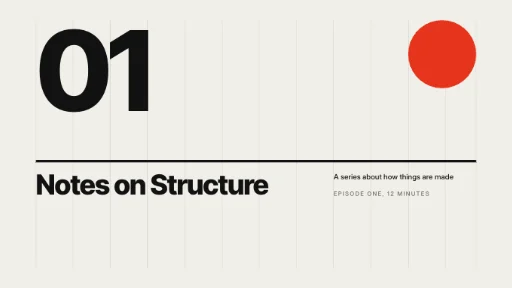
Swiss grid
 Pro
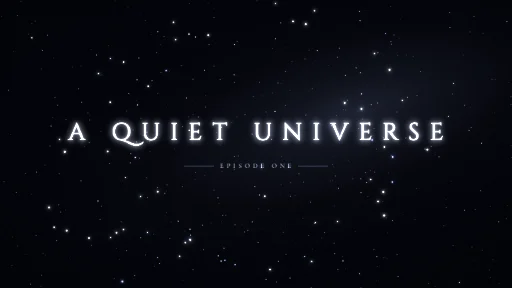
Star drift
 Pro
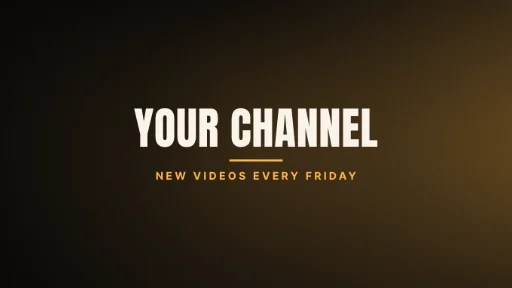
Golden hour
 Pro
Channel trailer
 Pro
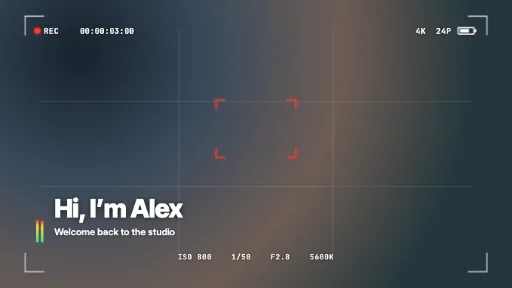
Behind the camera
 Pro
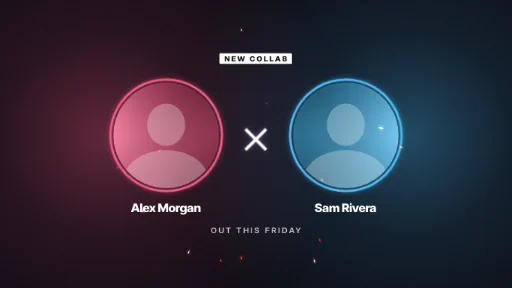
Collab
 Pro
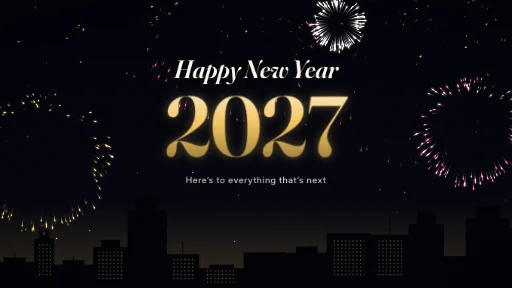
New Year countdown
 Pro
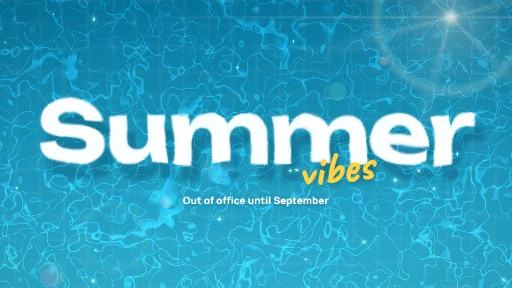
Summer pool
 Pro
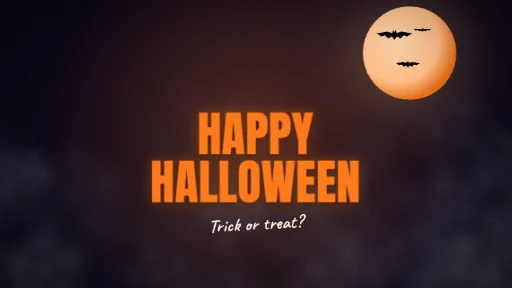
Halloween flashlight
 Pro
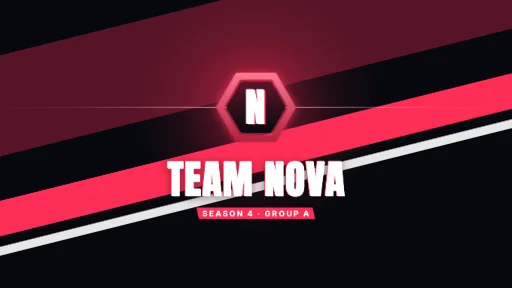
Team intro
 Pro
Independence Day
 Pro
Arrow of light
27 templates
Titles and chapters
Name the parts of a longer video, its chapters, sections, lessons and credits, so whoever’s watching knows where they are.
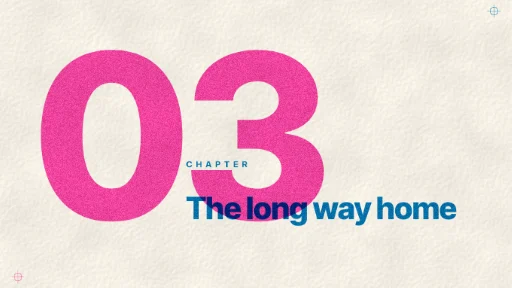
Chapter card
 Pro
Documentary stamp
 Pro
Outline to fill
 Pro
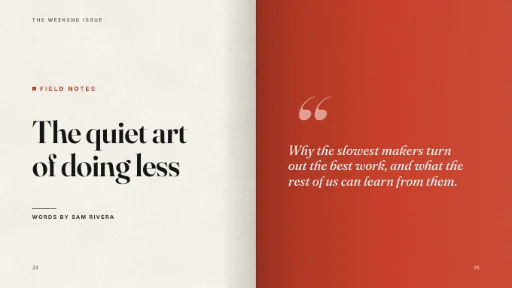
Magazine headline
 Pro
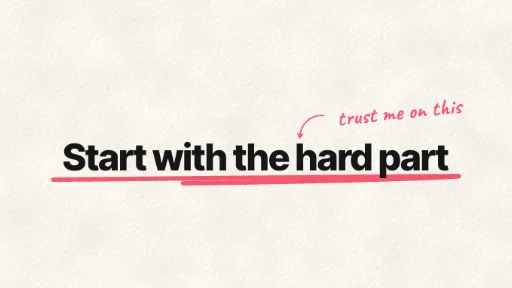
Handwritten underline
 Pro
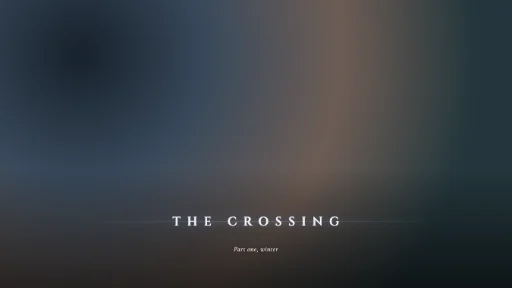
Cinematic subtitle
 Pro
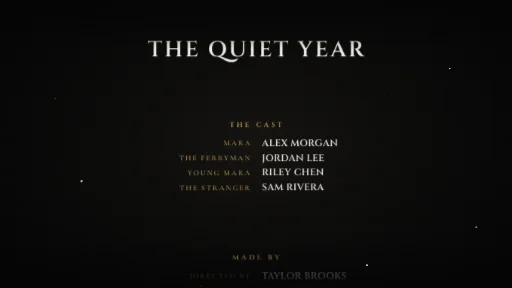
Credits roll
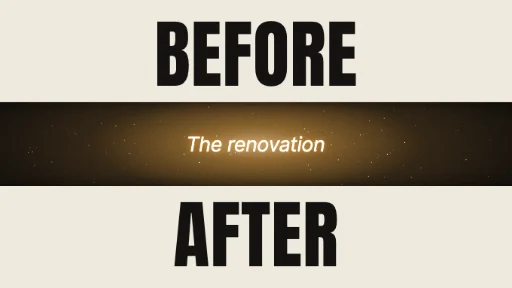 Pro
Split title
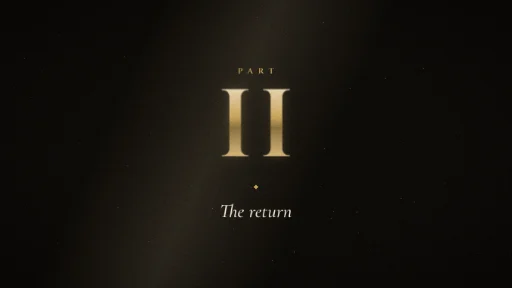 Pro
Part numeral
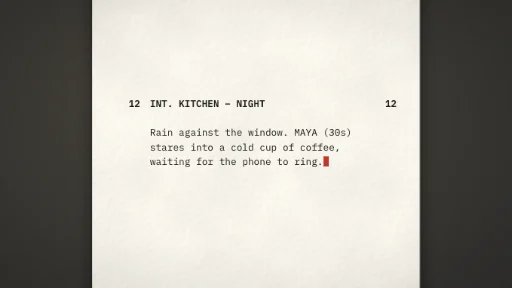 Pro
Scene heading
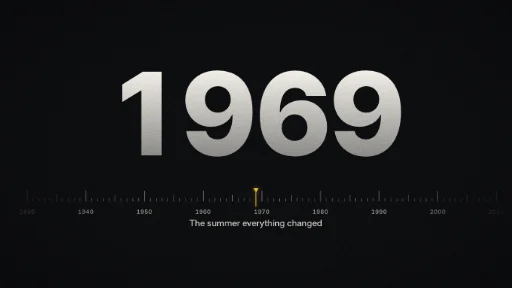 Pro
Year marker
 Pro
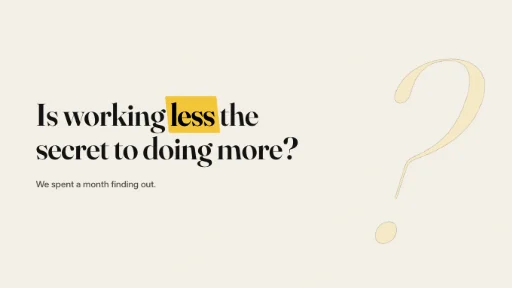
Question title
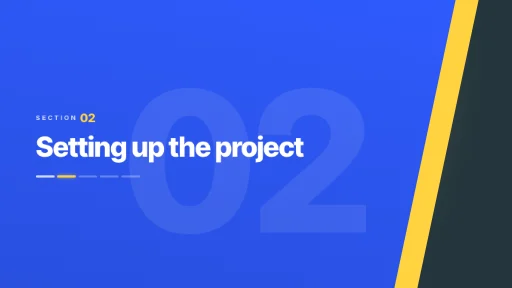
Section divider
 Pro
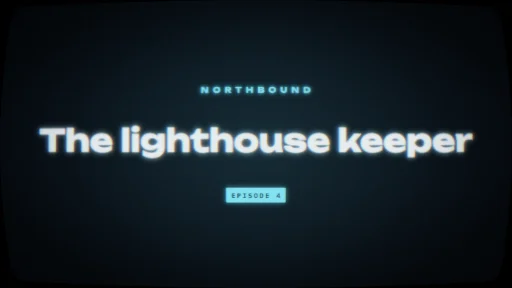
Episode title
 Pro
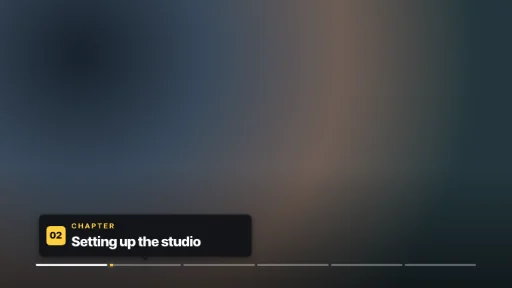
Chapter marker
 Pro
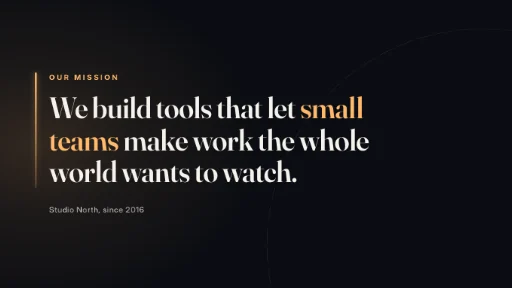
Mission statement
 Pro
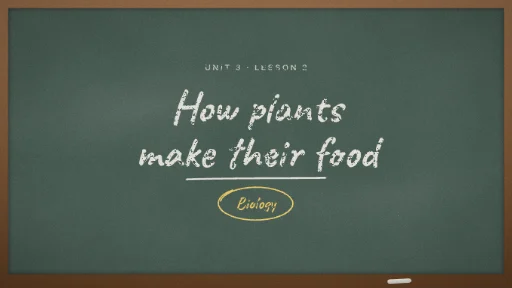
Lesson title
 Pro
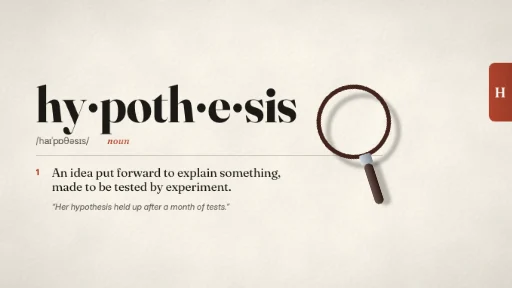
Definition card
 Pro
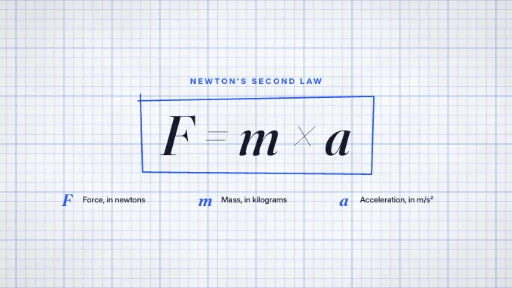
Formula card
 Pro
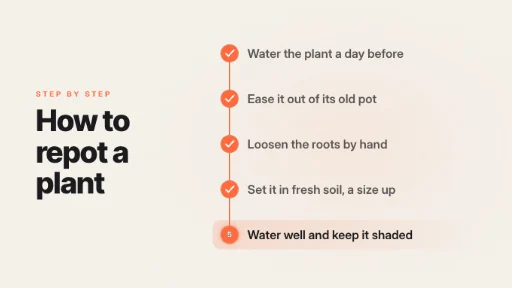
Step-by-step list
 Pro
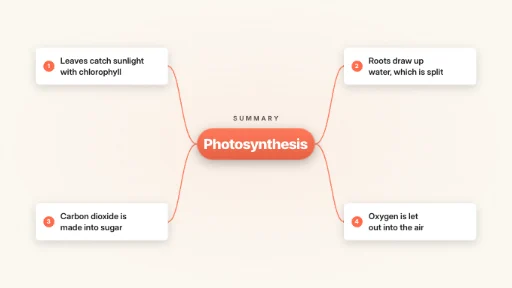
Summary map
 Pro
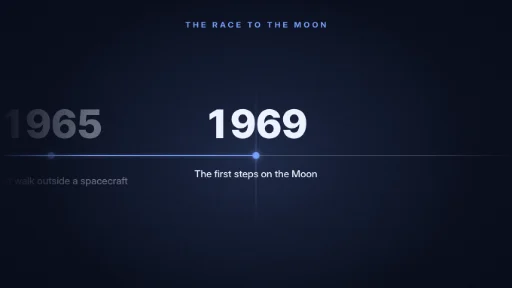
Timeline lesson
 Pro
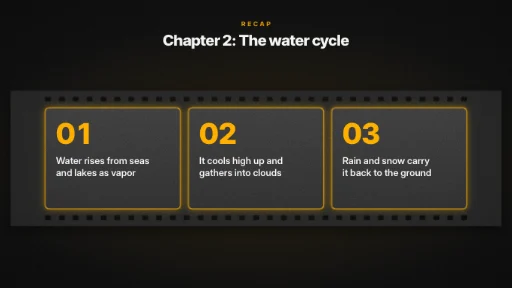
Chapter recap
 Pro
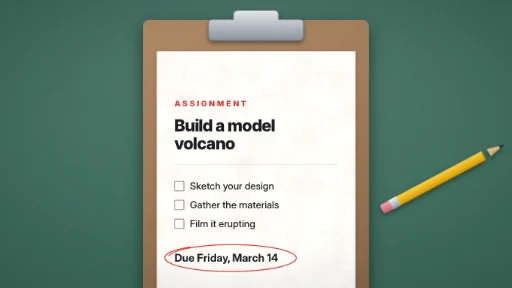
Assignment card
 Pro
Ramadan Kareem
 Pro
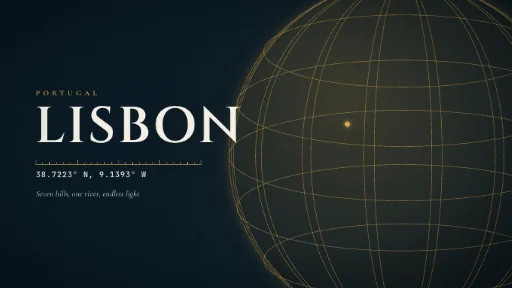
Destination title
 Pro
Hook title
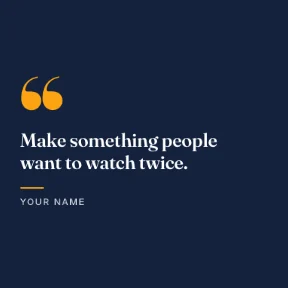
Quote card

Announcement
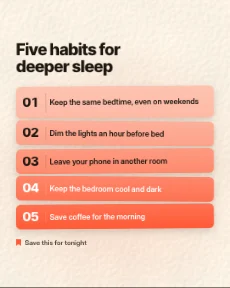
Numbered tips
 Pro
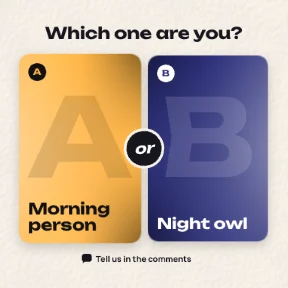
This or that
 Pro
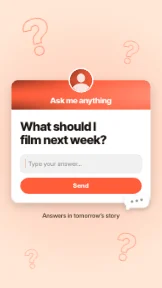
Question box
 Pro
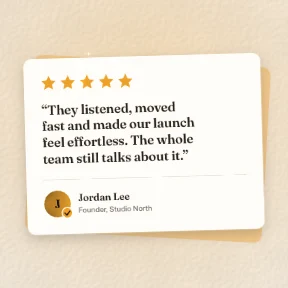
Review card
 Pro
Before and after
 Pro
Recipe card
 Pro
Did you know
 Pro
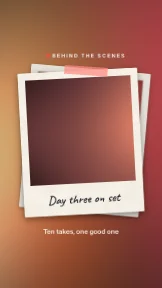
Carousel step
 Pro
Behind the scenes
 Pro
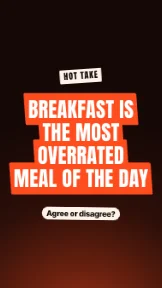
Hot take
 Pro
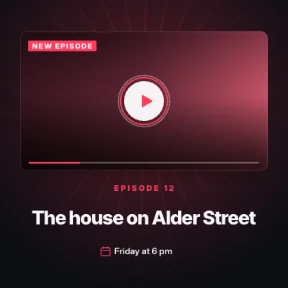
New episode
 Pro
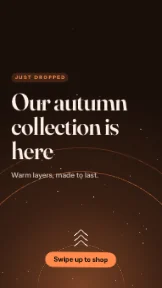
Swipe-up story
 Pro
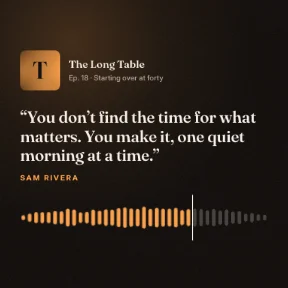
Podcast clip
 Pro
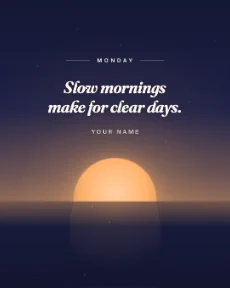
Daily quote
 Pro
Days to go
 Pro
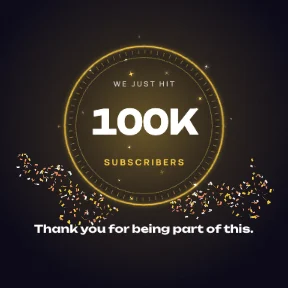
Milestone
 Pro
Team portrait
 Pro
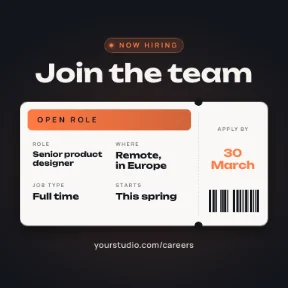
Hiring pass
 Pro
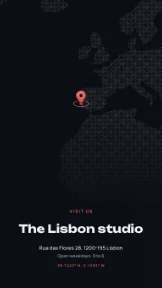
Office map
 Pro
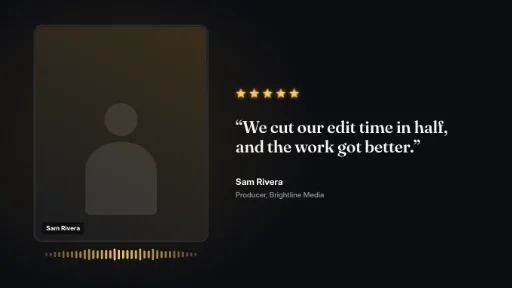
Video testimonial
 Pro
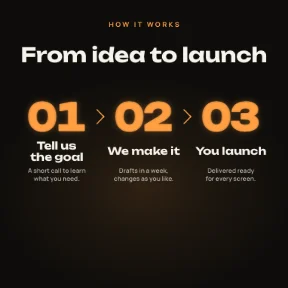
Three steps
 Pro
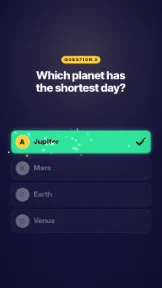
Quiz question
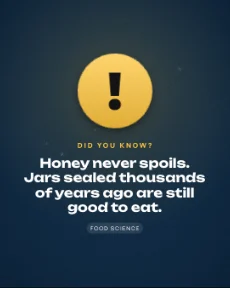 Pro
Fact flip
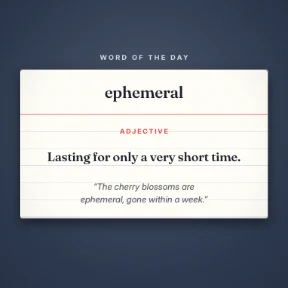 Pro
Vocabulary flashcard
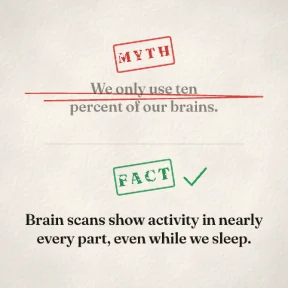 Pro
Myth vs fact
 Pro
Lunar New Year
 Pro
Valentine lines
 Pro
Holi colors
 Pro
Eid Mubarak
 Pro
Parents’ day card
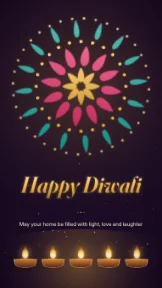 Pro
Diwali lights
 Pro
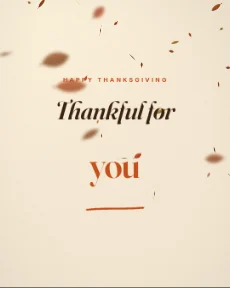
Thankful for
 Pro
Season of lights
 Pro
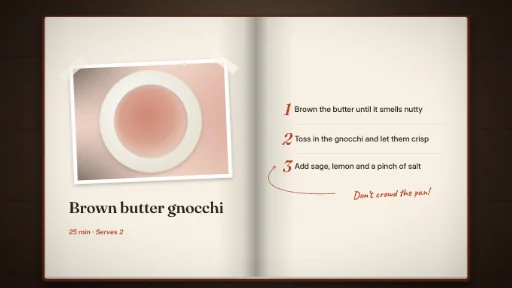
Cookbook steps
 Pro
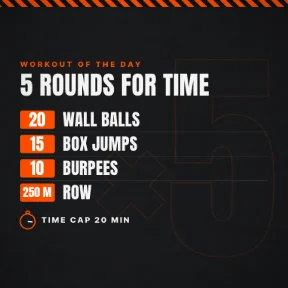
Workout of the day
 Pro
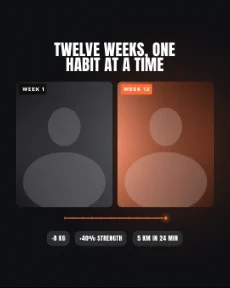
Transformation
 Pro
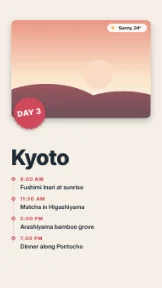
Itinerary day
 Pro
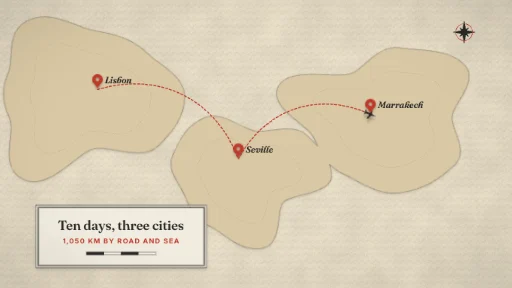
Route map
 Pro
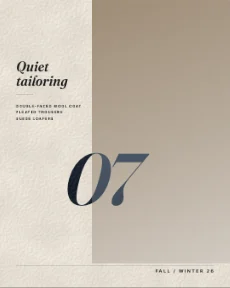
Lookbook page
 Pro
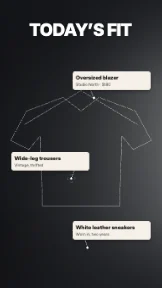
Outfit details
 Pro
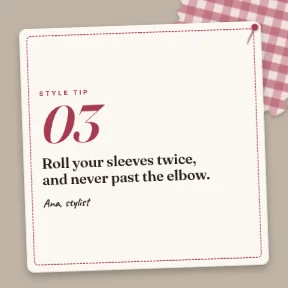
Style tip
 Pro
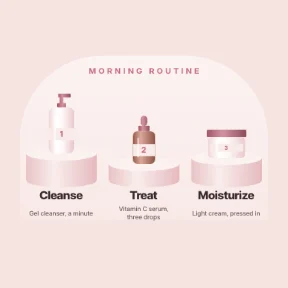
Skincare routine
 Pro
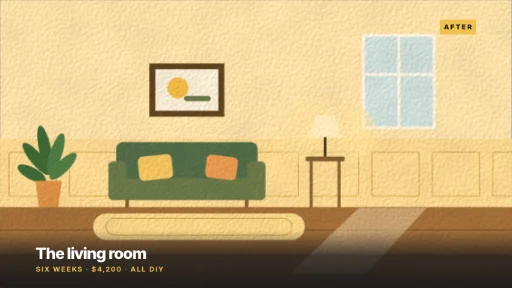
Makeover reveal
 Pro
First-person caption
 Pro
Part tag
 Pro
Wait for it
 Pro
Music tag
 Pro
Location stamp
 Pro
Sticker burst
 Pro
Question sticker
 Pro
Follow for more
 Pro
Eid al-Adha
 Pro
Eid Milad un Nabi ﷺ
 Pro
Gurpurab lamps
 Pro
Republic Day
 Pro
Sankranti and Pongal
 Pro
Lohri bonfire
 Pro
Baisakhi dhol
 Pro
Buddha Purnima
 Pro
Rakhi thread
 Pro
Ganesh Chaturthi
 Pro
Garba swirl
 Pro
Durga Puja alpona
 Pro
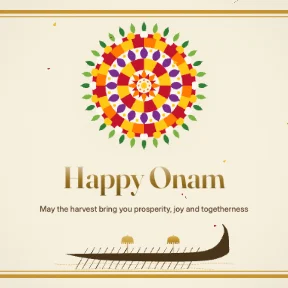
Onam pookalam
 Pro
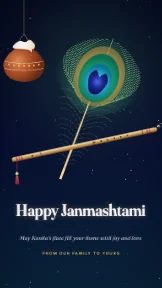
Janmashtami midnight
 Pro
Karva Chauth moon
26 templates
Promos
Sell something in seconds: an offer, a product, a launch or a listing, with the details and what to do next.
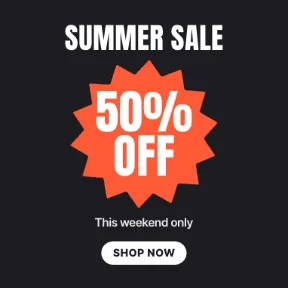
Sale promo
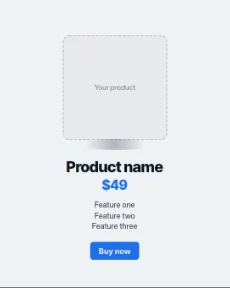
Product spotlight
 Pro
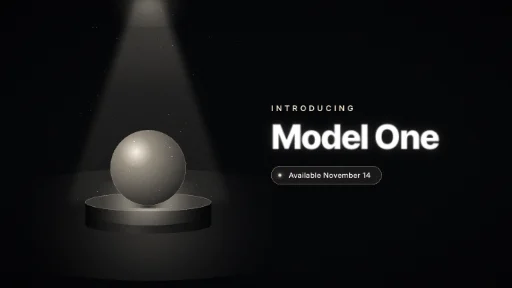
Spotlight launch
 Pro
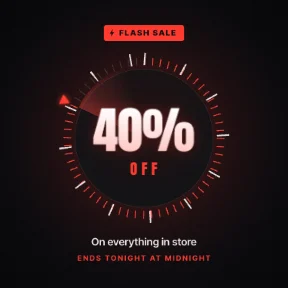
Flash countdown
 Pro
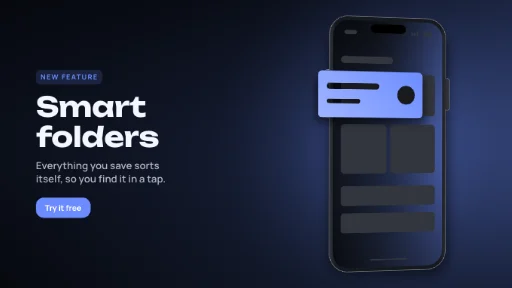
App feature
 Pro
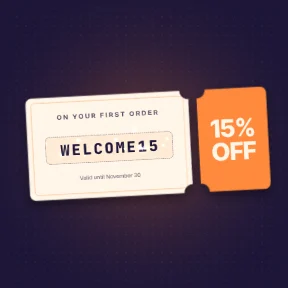
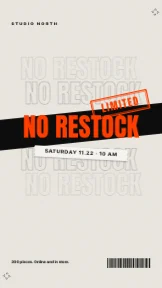
Coupon ticket
 Pro
Street drop
 Pro
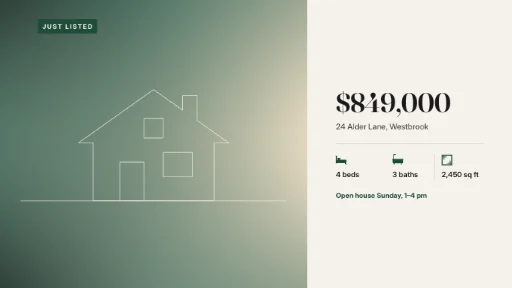
Home listing
 Pro
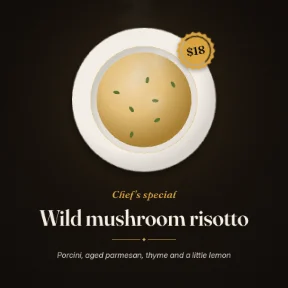
Chef’s special
 Pro
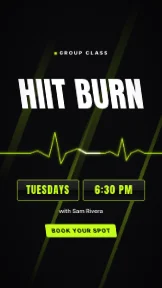
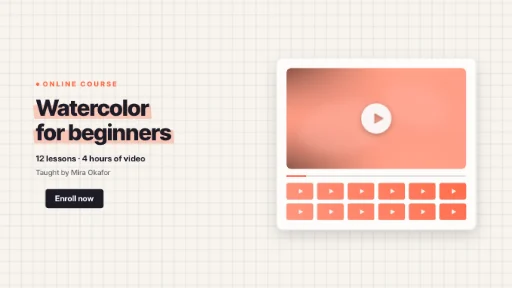
Class pulse
 Pro
Course launch
 Pro
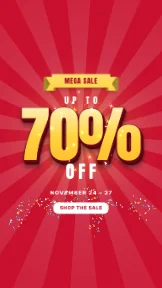
Mega sale
 Pro
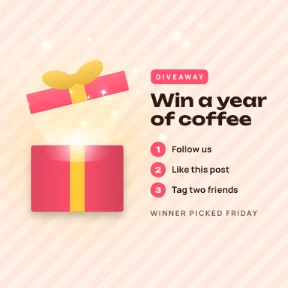
Gift giveaway
 Pro
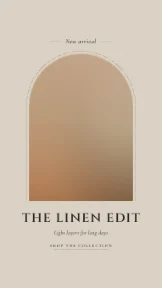
New arrival
 Pro
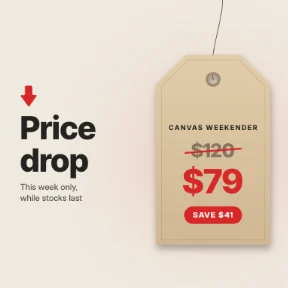
Price drop
 Pro
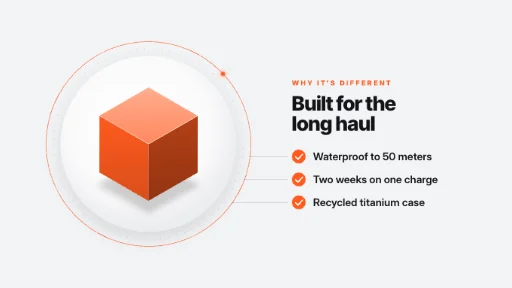
Feature checklist
 Pro
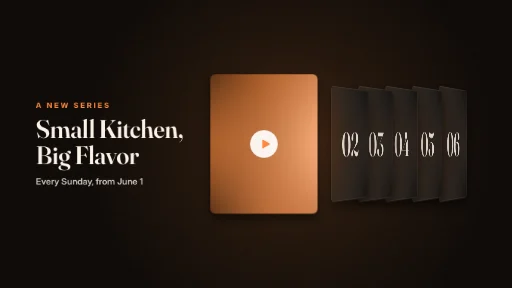
New series
 Pro
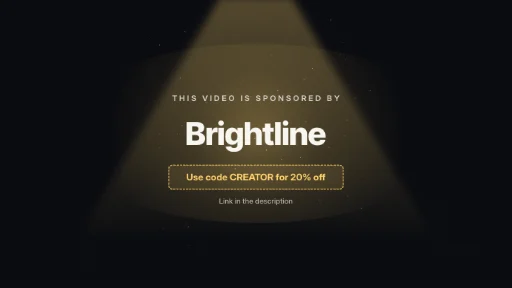
Sponsor segment
 Pro
Case study
 Pro
Client wall
 Pro
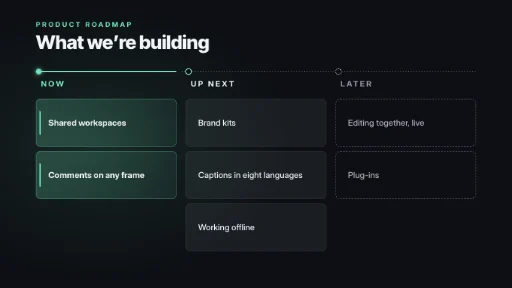
Product roadmap
 Pro
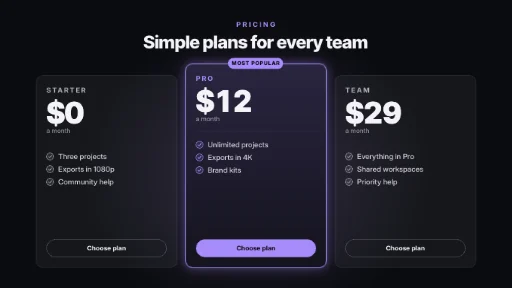
Pricing plans
 Pro
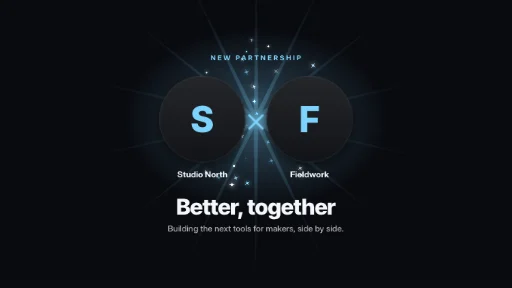
Partnership news
 Pro
Back to school
 Pro
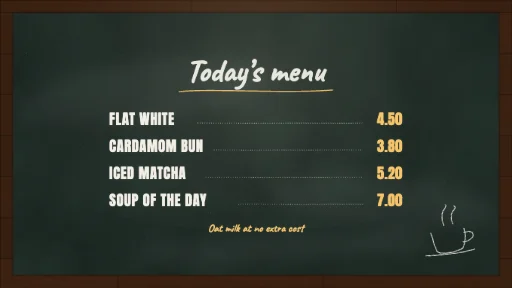
Chalk menu
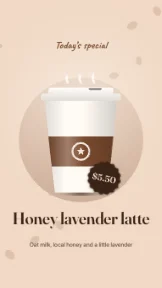 Pro
Café cup
20 templates
Events and live
Tell people about a day: an invitation, a countdown, a stream that’s about to start, a wedding or a birthday.

Save the date
 Pro
Wedding invite
 Pro
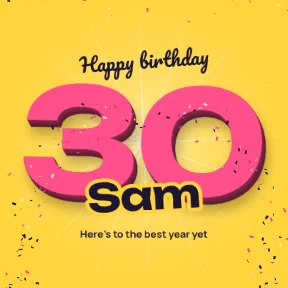
Birthday burst
 Pro
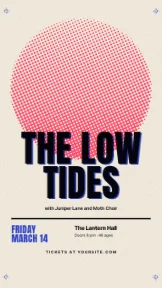
Gig poster
 Pro
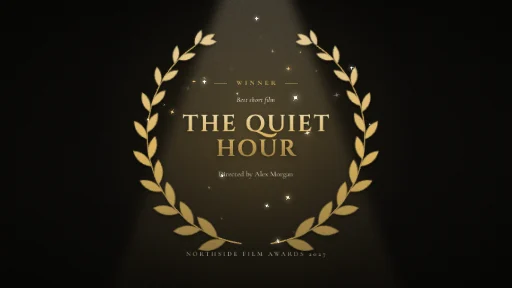
Award laurel
 Pro
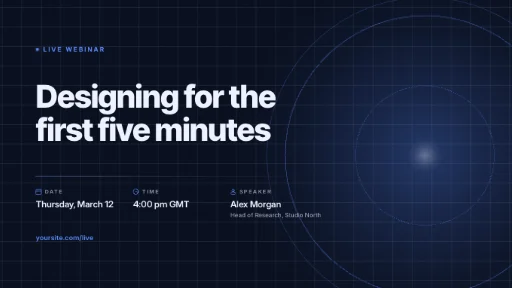
Webinar session
 Pro
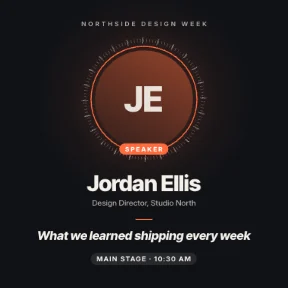
Speaker card
 Pro
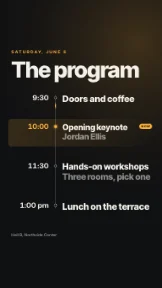
Event agenda
 Pro
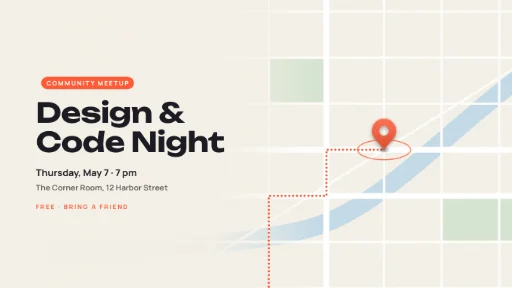
Meetup map
 Pro
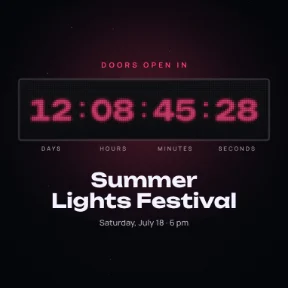
Event countdown
 Pro
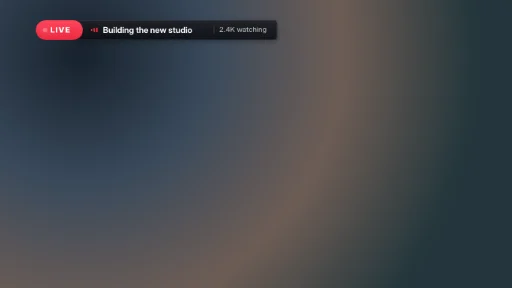
Live now
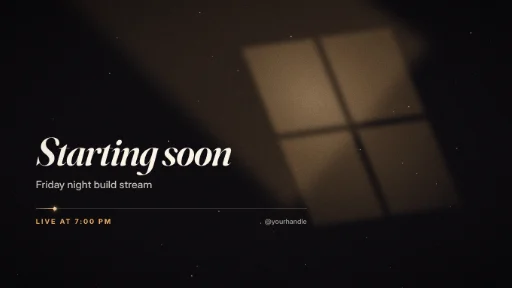
Starting soon
 Pro
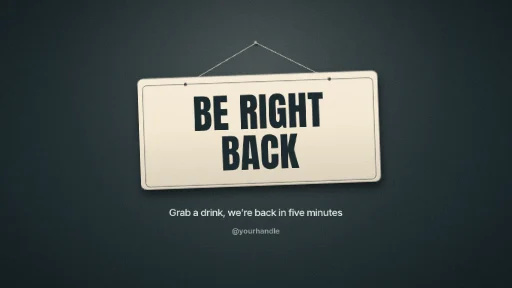
Be right back
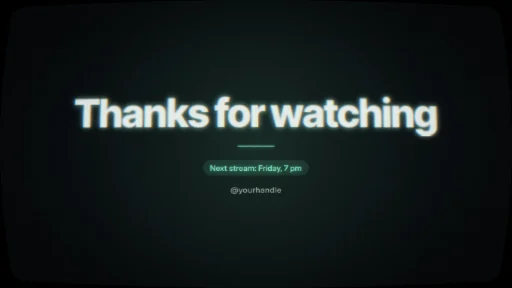 Pro
Signing off
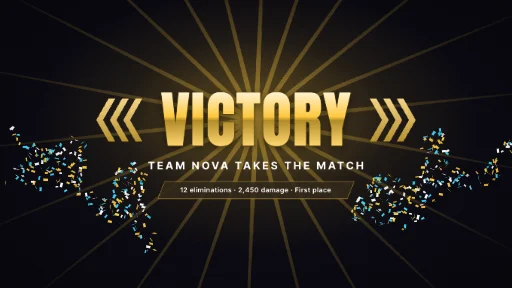 Pro
Victory screen
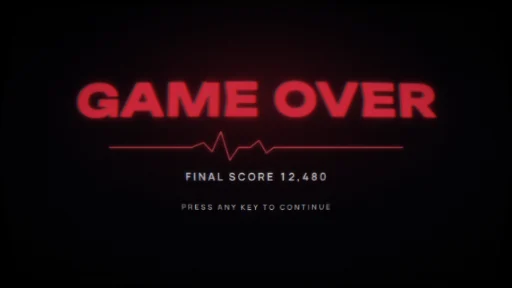 Pro
Game over
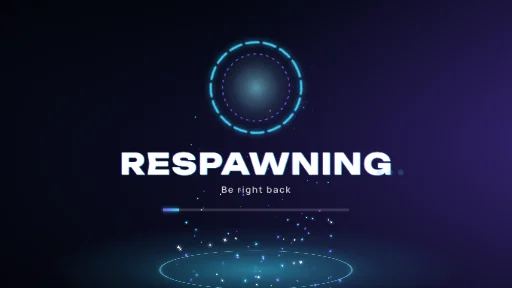 Pro
Respawn screen
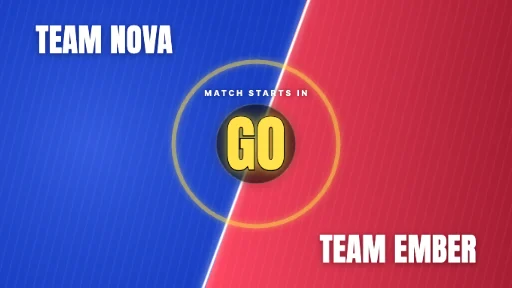 Pro
Match countdown
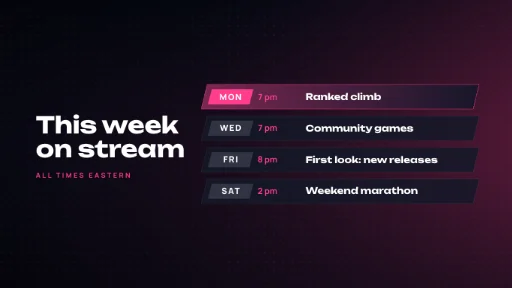 Pro
Stream schedule
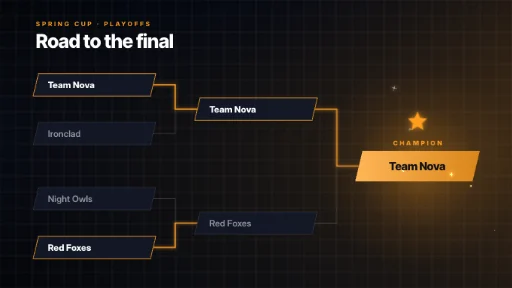 Pro
Tournament bracket
16 templates
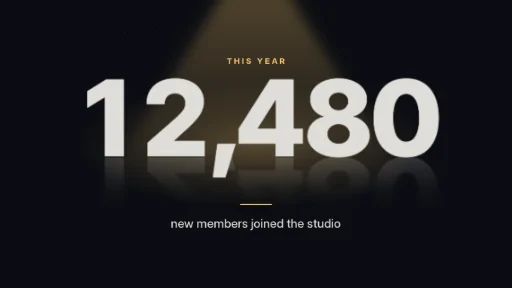
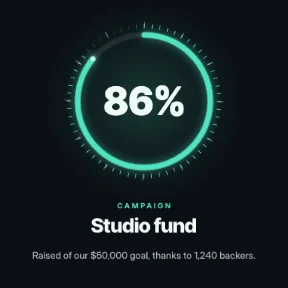
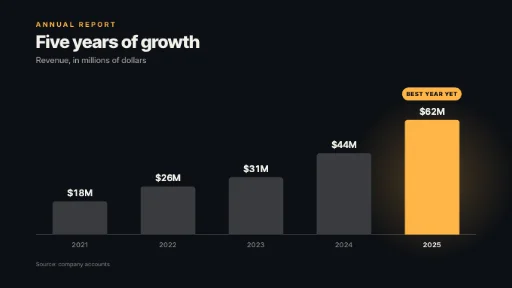
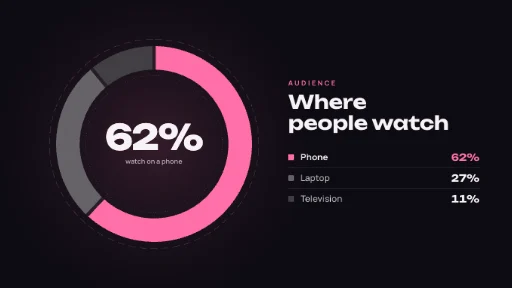
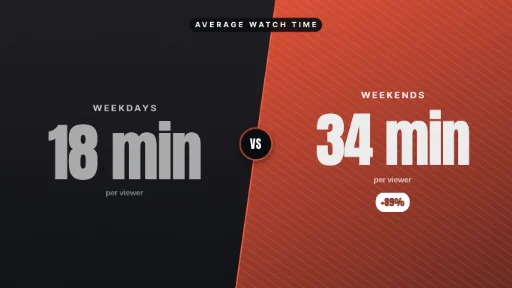
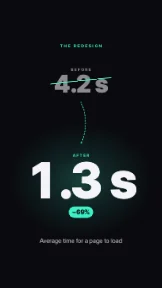
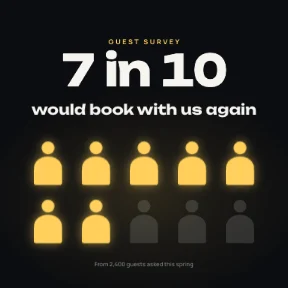
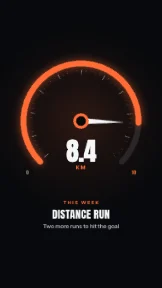
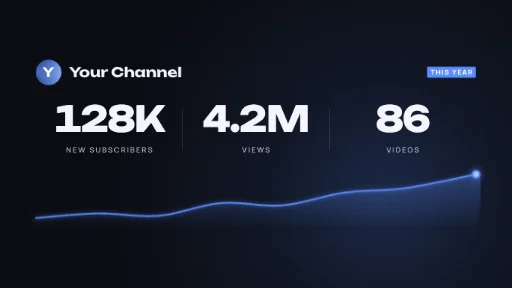
Numbers and charts
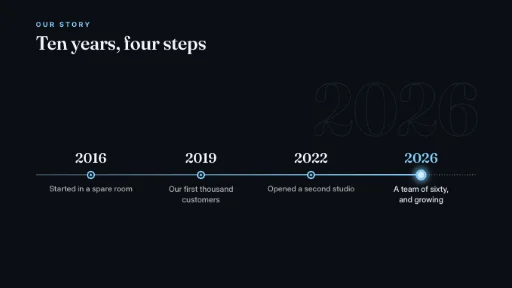
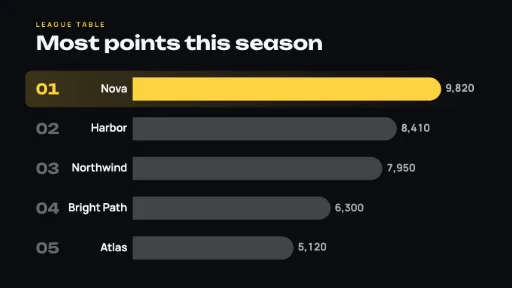
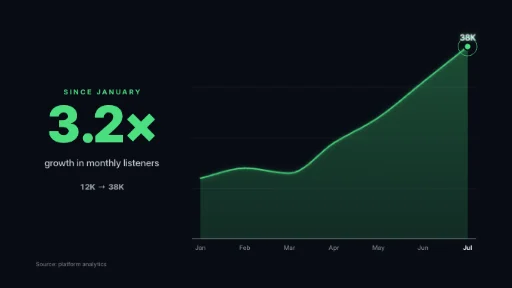
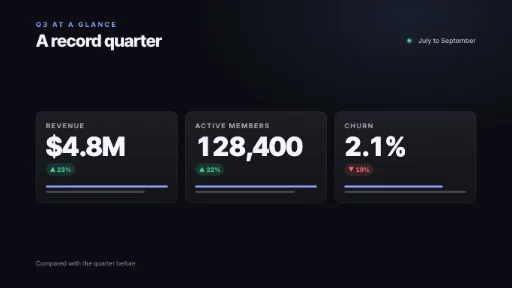
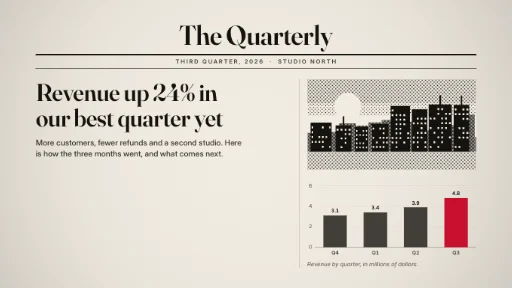
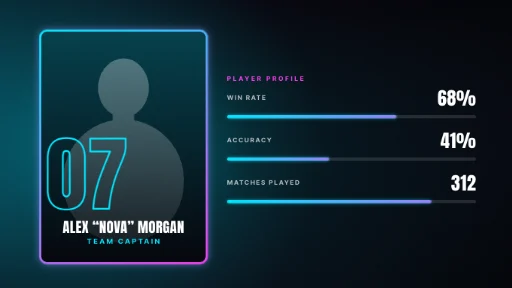
Numbers that land: results, charts, rankings and milestones, moving so the figure is the moment.

11 templates
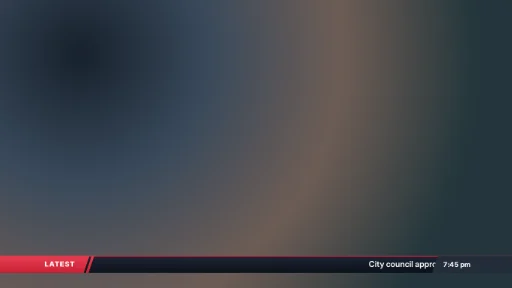
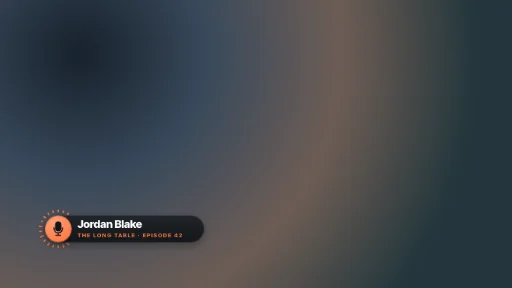
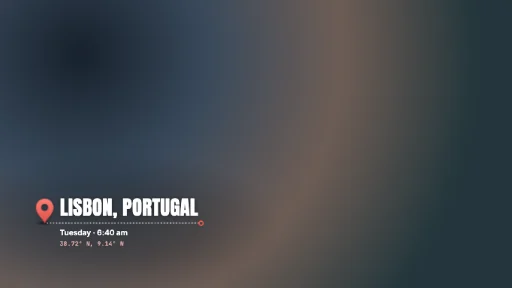
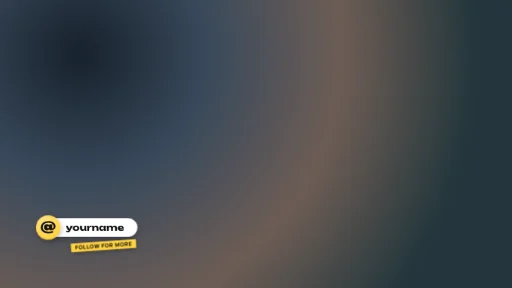
Lower thirds
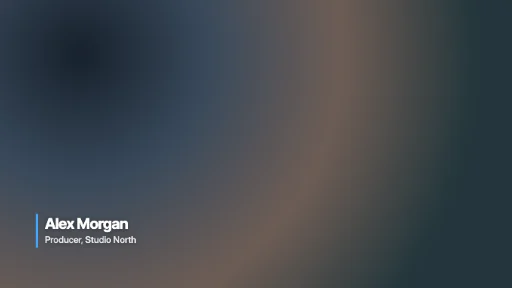
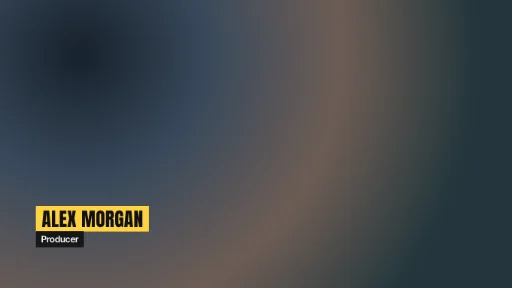
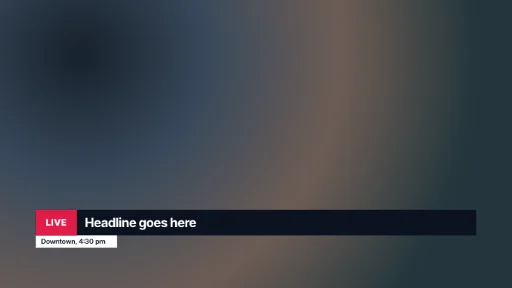
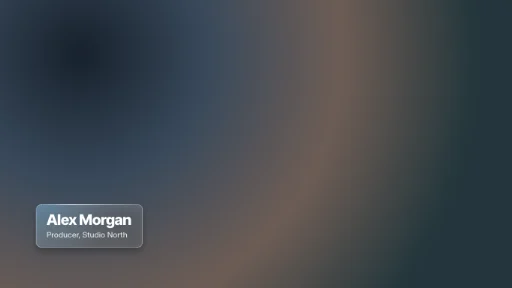
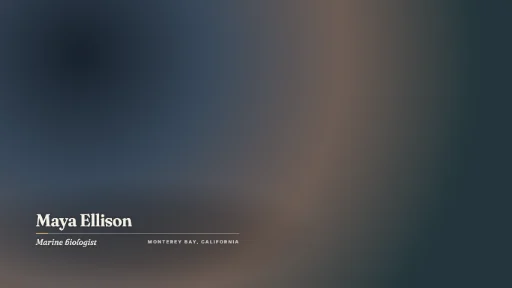
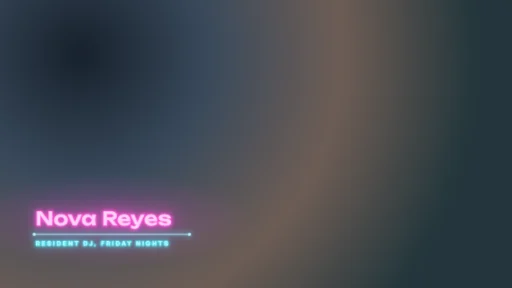
A name and a title over your footage, for interviews, talks and reports.
23 templates
Callouts and labels
Point at what matters in your footage: an arrow, a label, a subscribe button, a note that pops in.
Pointer label
 Pro
Circle highlight
 Pro
Step badge
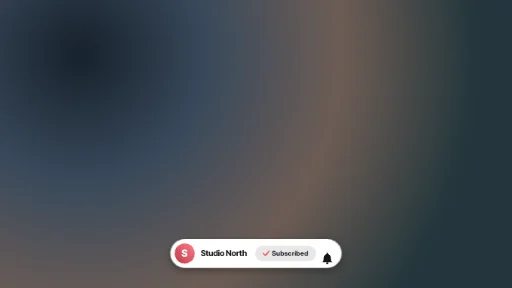
Subscribe nudge
 Pro
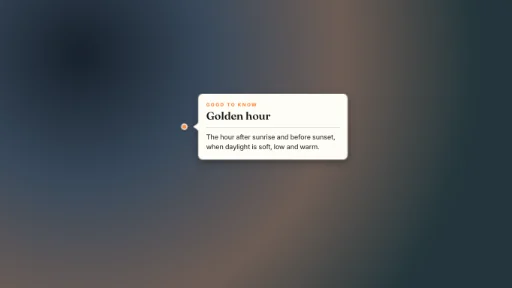
Fact pop-up
 Pro
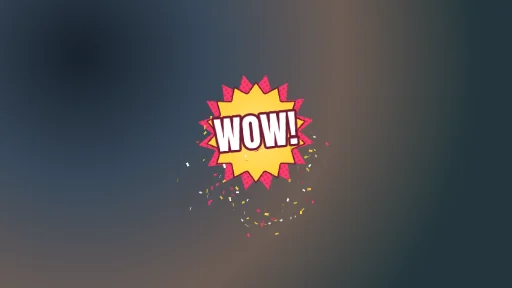
Reaction burst
 Pro
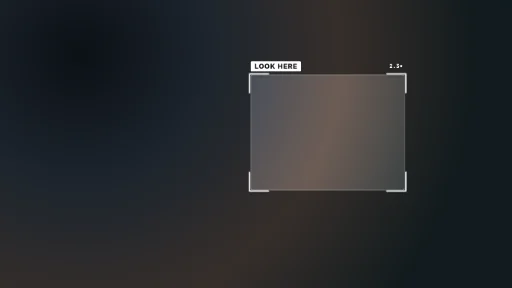
Zoom focus
 Pro
Like and comment
 Pro
Poll
 Pro
Pinned comment
 Pro
Link below
 Pro
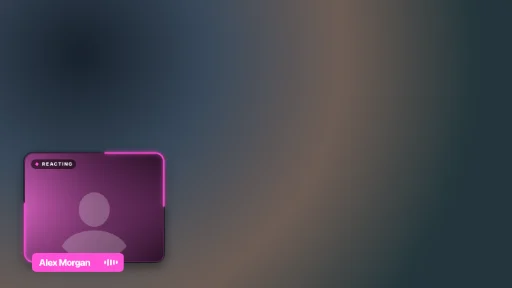
Reaction window
 Pro
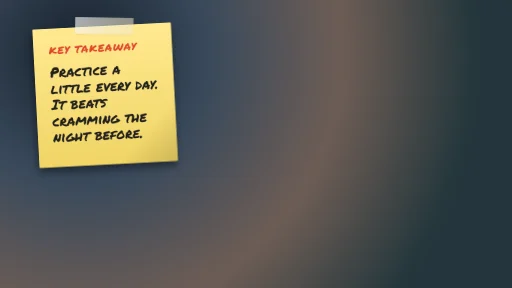
Key takeaway
 Pro
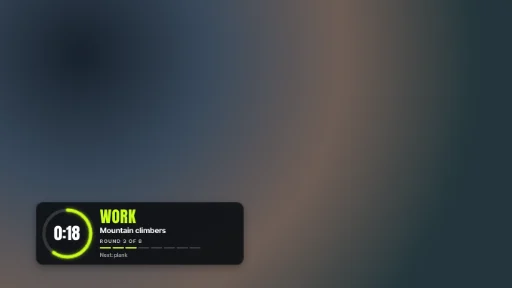
Interval timer
 Pro
Webcam frame
 Pro
Follower alert
 Pro
Tip alert
 Pro
Level up
 Pro
Match feed
 Pro
Progress bar
 Pro
Countdown timer
 Pro
Swipe hint
 Pro
Split labels
12 templates
Stingers and reveals
Move from one scene to the next with a wipe, a flash or a reveal that covers the cut.





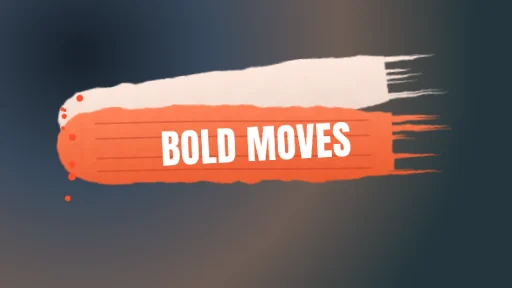
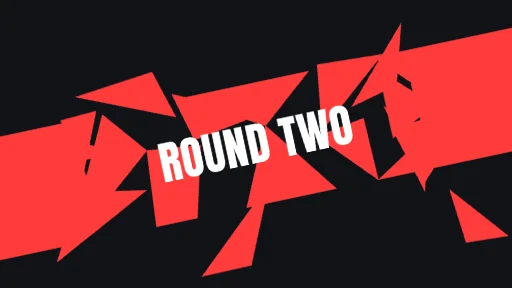
14 templates
Backgrounds
A moving background for titles, talking heads or products, or to loop behind a stream.









11 templates
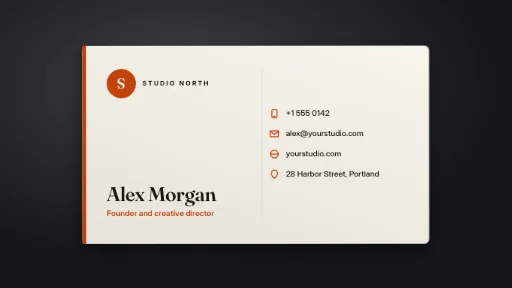
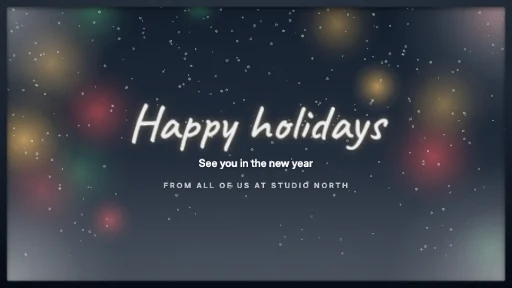
End cards
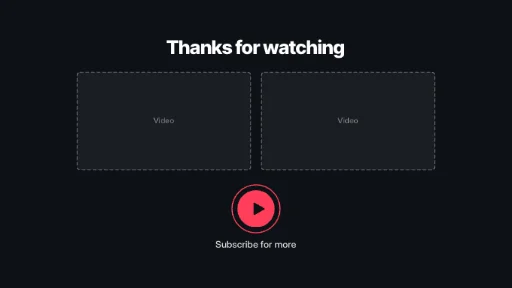
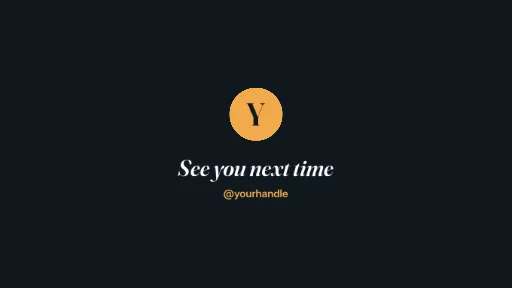
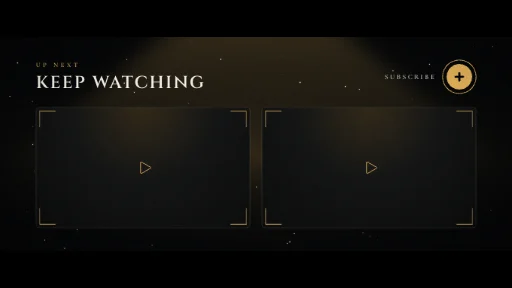
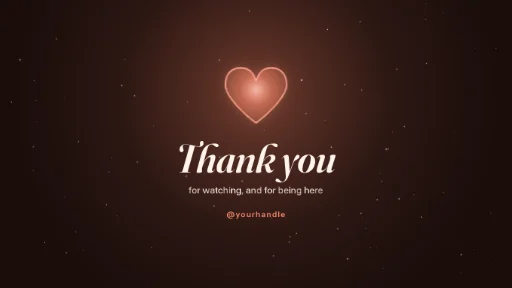
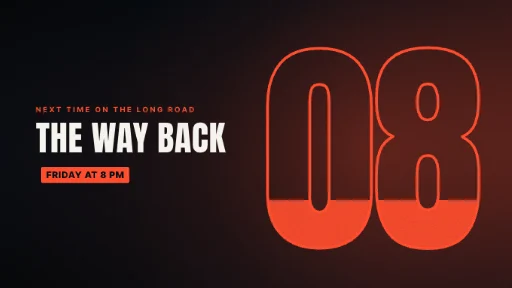
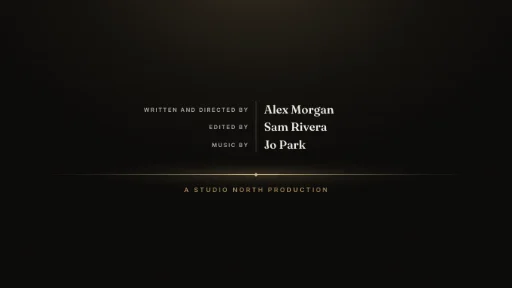
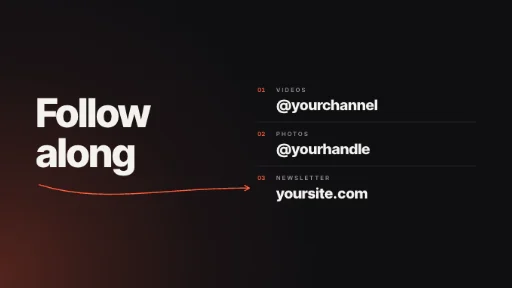
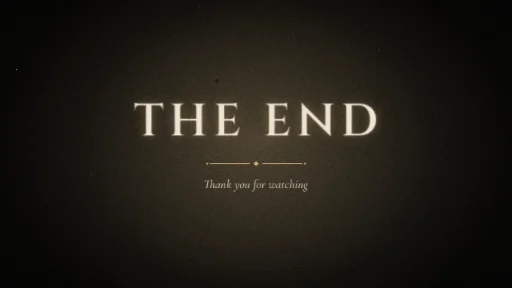
End with somewhere to go next: your other videos, a subscribe button, your links, a thank-you.

14 templates
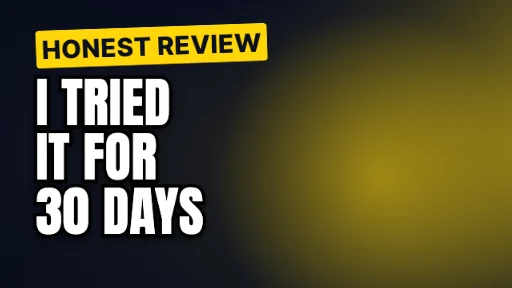
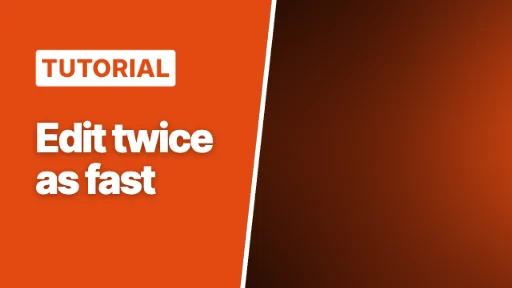
Thumbnails
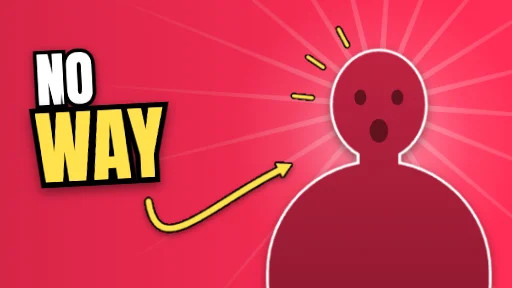
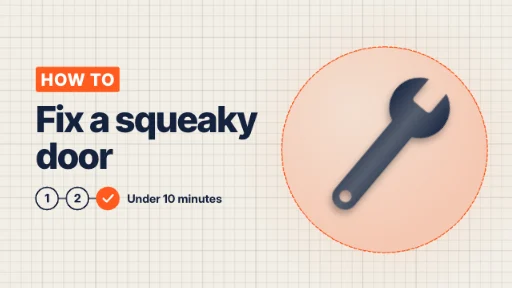
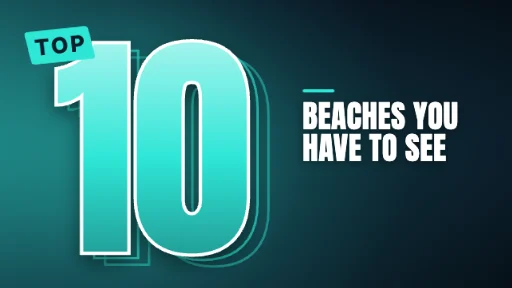
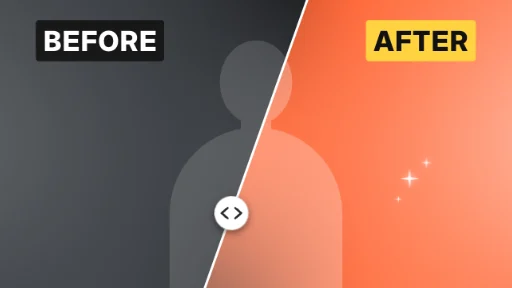
The picture people see before they press play, made at the size YouTube asks for.


How they work
Built from the editor, not pasted on top of it.
Start from one
Open a template’s page and choose Use this template: a new project starts with it laid out, or add one from the editor’s Templates tab to a project you’re in.
Change what it says
Type its words, drop in your logo, pictures, footage and music, and pick one of its palettes or your own colors.
Any frame
Choose 16:9, 9:16, 1:1 or 4:5 and it’s laid out again for that frame, not cropped: its words, shapes and margins all move to fit.
Every part yours
Its titles, shapes, particles and effects are the editor’s own layers. Open it up to change any of them, or save your version as a template of your own.
The next scene is yours.
Pick one. Make it yours.
26 templates are free on every plan, with no watermark; Pro has all of them.
01:00:15:0068 templates
Social posts
A post that works on its own in a feed or a story: a quote, an announcement, a tip, a greeting for the day.