Background removal
Remove the background from a video
No green screen needed. Oryvio makes a matte for every frame on your computer, so you can put a color, a blur, a studio backdrop or other footage behind your subject, or export it with a transparent background.
- No green screen
- People, pets and products
- Transparent exports
- Runs on your computer
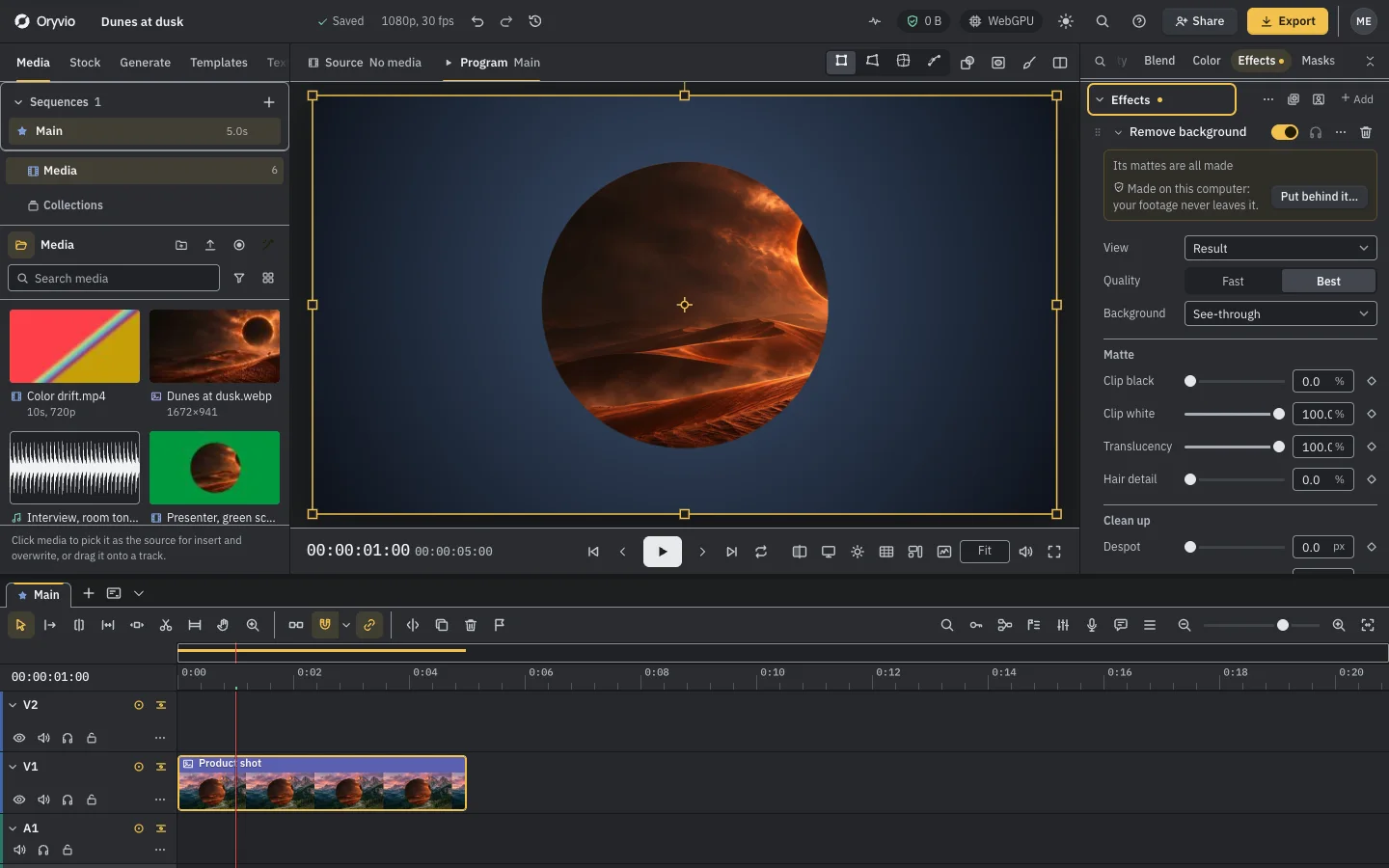
How it works
Step by step
Select the clip
Choose Remove background in its Effects section, or find it in the command palette.
Choose how
Fast follows people live as it plays. Best takes anything in front, with finer edges like hair, and is made ahead.
Put something behind
Leave it see-through to show the tracks below, blur its own background, or fill it with a color, a backdrop or a clip from the bin.
Refine it, and export
Tidy the matte, the spill and the edges, then export, with a transparent background as WebM, ProRes 4444 or PNG frames if you want one.
On your computer
Your footage never leaves your computer
The models run in your browser, downloaded once and kept on this computer. Removing a background never uses credits.
Plans
Which plan has it
Free
Fast, for people
Pro
Fast and Best, for anything
Studio
Fast and Best, for anything
Yes, for people, with Fast, on every plan. Best, for any subject and finer edges, is part of Pro.
Fast is: it follows as you play. Best is made ahead, a frame at a time; the preview shows Fast’s matte till it’s done, and the export waits for it.
Yes: WebM with VP9, MOV with ProRes 4444, or PNG frames keep the transparency.
No. The mattes are made on your computer.
The next scene is yours.
Try it on your own footage.
Free to start. No credit card. No watermark.