Voice enhance
Remove background noise. Keep the voice.
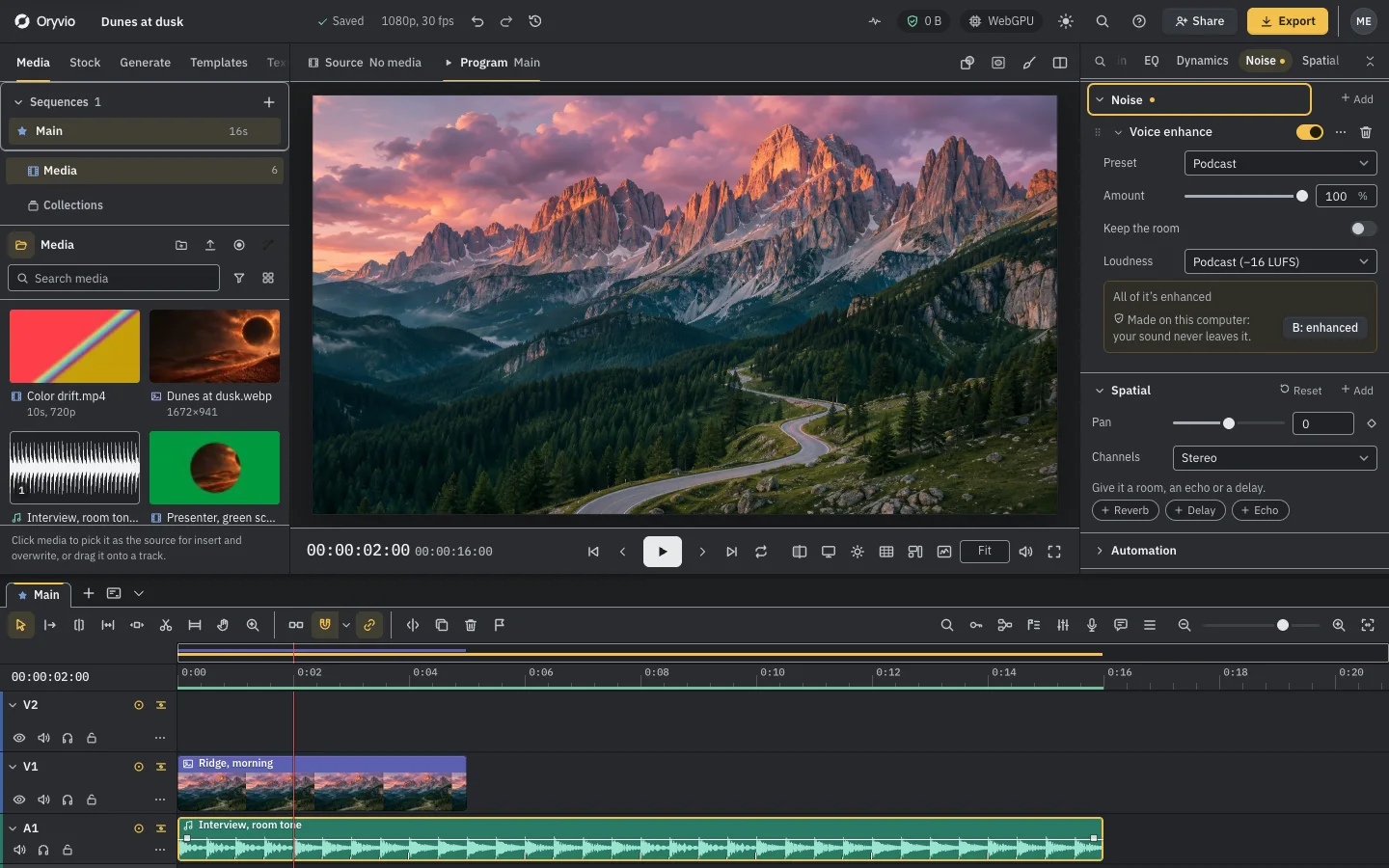
Voice enhance is an AI model that runs in your browser. It takes out traffic, hum, fans, distant voices and the echo of a room, leaves the voice, and can bring it to the loudness a platform expects.
- Free on every plan
- Noise, hum and echo
- Loudness for each platform
- Runs on your computer
How it works
Step by step
Select a clip
Any video or audio clip with a voice in it.
Enhance the voice
Choose Enhance voice in the command palette, or add Voice enhance from the audio effects.
Set how much
Choose a preset, or set the amount, how much of the room to keep, and a loudness: −14 LUFS for streaming, −16 for podcasts, or a broadcast standard.
Compare, and export
Switch between the enhanced voice and the original, matched in loudness, so it’s the difference you hear and not the volume.
On your computer
Your sound never leaves your computer
The model, DeepFilterNet, is downloaded once and kept in this browser. It’s made ahead, much faster than the sound plays, and never uses credits.
Plans
Which plan has it
Free
Voice enhance, noise reduction and hum removal
Pro
Voice enhance, noise reduction and hum removal
Studio
Voice enhance, noise reduction and hum removal
Yes, on every plan, with no credits.
Keep the room lets some of the room’s own sound back in while the noise in the pauses stays out, and the amount can be turned down.
Yes. Voice enhance takes out most of it, and Hum removal takes out 50 or 60 Hz hum and its harmonics on its own.
It’s made ahead, in a moment. Till a stretch is ready it plays as recorded, and the export waits for it.
The next scene is yours.
Try it on your own footage.
Free to start. No credit card. No watermark.