Recording
Record your screen and camera, right into your edit
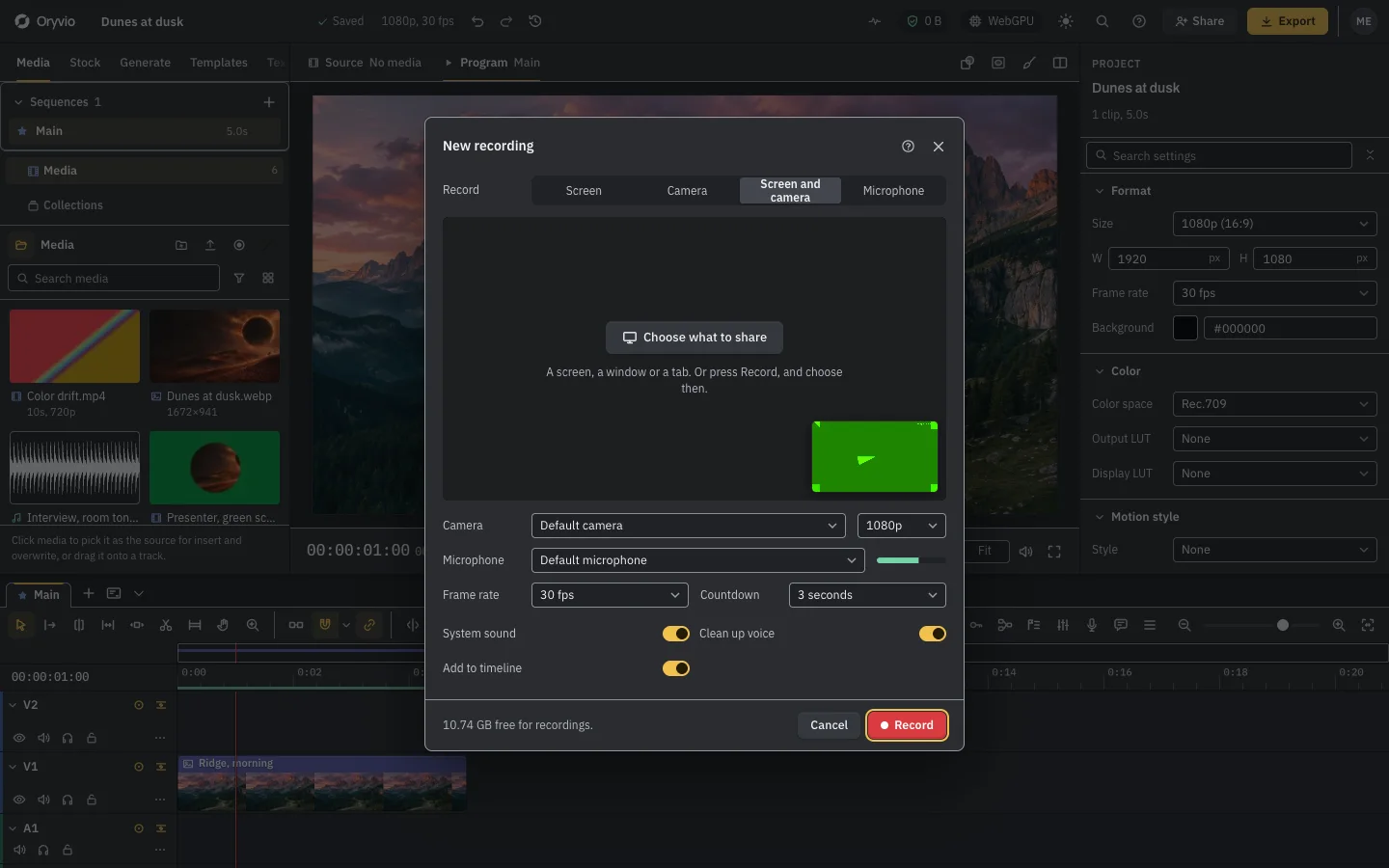
Record a screen, a window or a tab, your camera, or both as two clips in step, with your microphone and the computer’s sound. It goes straight into the project’s media, kept on your computer, ready to cut.
- Screen and camera together
- Camera at up to 4K
- Kept on your computer
- Runs on your computer
How it works
Step by step
Open Record
Choose Record in the media bin’s toolbar.
Choose what to record
The screen, the camera, the screen and the camera, or the microphone alone, with a countdown if you like.
Record
Pick what to share; it’s kept as it’s recorded, so a crash doesn’t lose it.
Edit it
Stop, and it’s in the bin as an MP4, and on the timeline too if you asked.
Or record on your phone
Scan the code the editor shows, and what you film goes straight into the project, encrypted, with nothing to install on the phone.
On your computer
Kept on your computer
Recordings are saved in this browser’s storage on your computer, and never uploaded.
Plans
Which plan has it
Free
Screen, camera and microphone recording
Pro
Screen, camera and microphone recording
Studio
Screen, camera and microphone recording
No. It records in the browser: a recent Chrome, Edge, Firefox or Safari on a computer.
Yes: a tab’s sound in Chrome and Edge, and the whole computer’s on Windows.
Into the project’s media, kept on your computer, as an MP4, or an M4A for sound alone.
Yes. Scan the code the editor shows, and what you record goes into the project, with no app.
The next scene is yours.
Try it on your own footage.
Free to start. No credit card. No watermark.