Titles and chapters
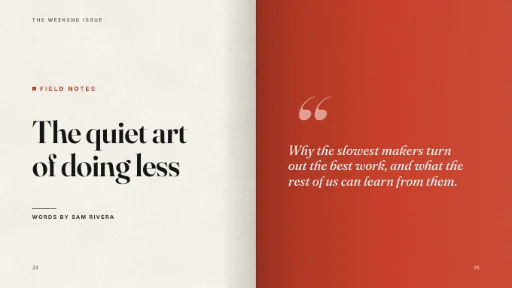
Magazine headline video template
A headline, its kicker and deck laid out as a magazine spread, the facing page turning open from the fold.
ProPart of Pro. Try Pro free for 14 days, with no card.
- Shape
- 16:9, laid out again for 9:16, 1:1, and 4:5
- Length
- 7 s as it comes; from 4 to 15 s
- Made of
- 8 text layers, 6 shapes, and 1 effect layer: 15 layers in all
Make it yours
What you can change
Every setting below is in the editor’s Inspector once it’s in your project, and every layer it’s made of can be opened up and changed as well.
Words
- KickerUp to 30 characters
- HeadlineUp to 60 characters, on up to 3 lines
- DeckUp to 160 characters, on up to 3 lines
- BylineUp to 40 characters
- FolioUp to 40 characters
Your media
- PhotoA picture or video on the facing page.
- MusicPlays under it, faded out at its end.
Colors
- Paper#F4F0E8
- Accent#C8402B
- Ink#151515
Type
- ModernInter Tight with Inter
- EditorialFraunces with Interas it comes
- CondensedAnton with Inter Tight
- GeometricUnbounded with Manrope
- ClassicCinzel with Cormorant Garamond
Options
- AnimationHow much its parts move as they come in, from none, where they only fade, to all of it.
Its 5 palettes
- Newsprint
- Noir
- Sage
- Cobalt
- Blush
How to use it
From template to finished video
Start a project from it
Use this template opens a new project with it laid out in it. It’s a Pro template: on the free plan, try Pro first.
Make it say what you want
Type over its words (Kicker, Headline, Deck, Byline, and Folio), and put your own in its media: Photo and Music.
Give it your look
Pick one of its palettes or set its colors to your brand’s, and set its words in any of 5 pairs of typefaces.
Fit it to the frame
Made in 16:9, it’s laid out again for 9:16, 1:1, and 4:5. Make it as short as 4 seconds or as long as 15.
Export
Export it on its own or as part of your edit, in your browser, with no watermark.
What it’s for
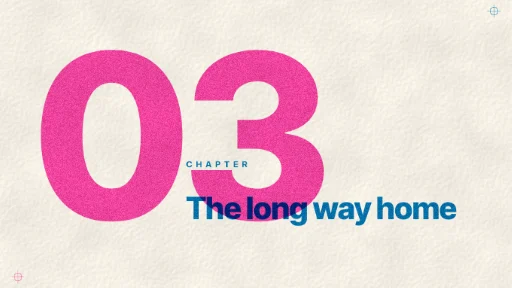
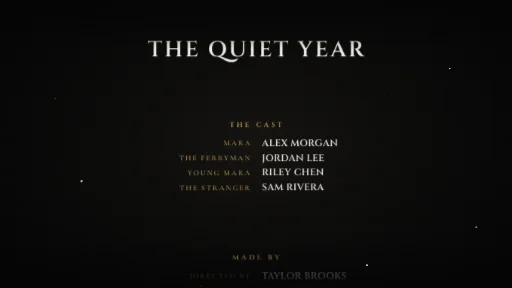
Titles and chapters
Name the parts of a longer video, its chapters, sections, lessons and credits, so whoever’s watching knows where they are.
Every template of this kindMore like it
Templates like this one
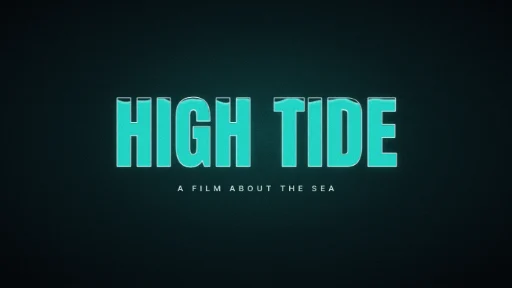
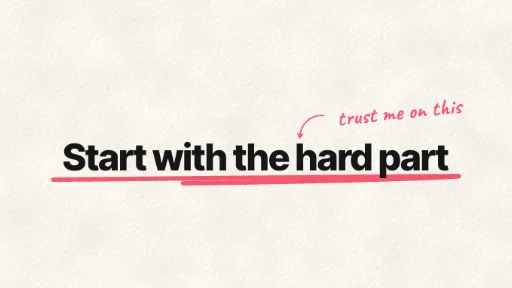

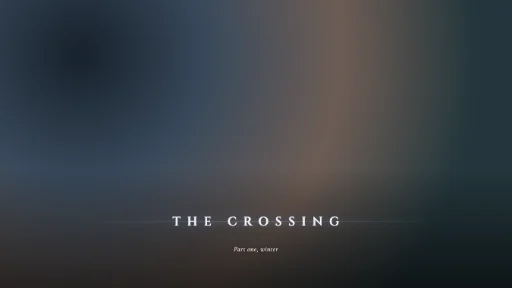
The next scene is yours.
Make it yours.
Part of Pro. Try Pro free for 14 days, with no card.