Thumbnails
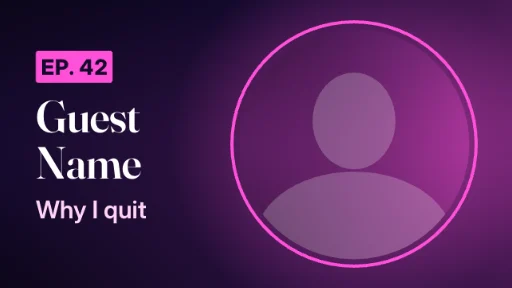
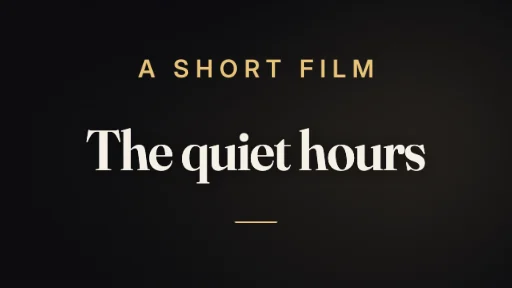
Clean title thumbnail template
A quiet serif title over your picture, softly darkened at its edges, a line of small capitals above it.
FreeFree on every plan.
- Shape
- 16:9, laid out again for 9:16, 1:1, and 4:5
- Length
- A still, at 1280 × 720
- Made of
- 2 text layers and 4 shapes: 6 layers in all
Make it yours
What you can change
Every setting below is in the editor’s Inspector once it’s in your project, and every layer it’s made of can be opened up and changed as well.
Words
- Above itUp to 24 characters
- TitleUp to 40 characters, on up to 2 lines
Your media
- PictureBehind it, darkened at its edges.
Colors
- Background#0D0D10
- Accent#E8C37A
- Text#F6F1E7
Type
- ModernInter Tight with Inter
- EditorialFraunces with Interas it comes
- CondensedAnton with Inter Tight
- GeometricUnbounded with Manrope
- ClassicCinzel with Cormorant Garamond
Its 4 palettes
- Dusk
- Fog
- Ember
- Moss
How to use it
From template to thumbnail
Start a project from it
Use this template opens a new project with it laid out in it, after a free account if you haven’t one. It’s in the editor’s Templates tab too, to add to a project you’re in.
Make it say what you want
Type over its words (Above it and Title), and put your own in its media: Picture.
Give it your look
Pick one of its palettes or set its colors to your brand’s, and set its words in any of 5 pairs of typefaces.
Fit it to the frame
Made in 16:9, it’s laid out again for 9:16, 1:1, and 4:5, its words and shapes moved to fit.
Save the picture
Export it as a picture at the size each platform asks for, with no watermark.
What it’s for
Thumbnails
The picture people see before they press play, made at the size YouTube asks for.
Every template of this kindMore like it